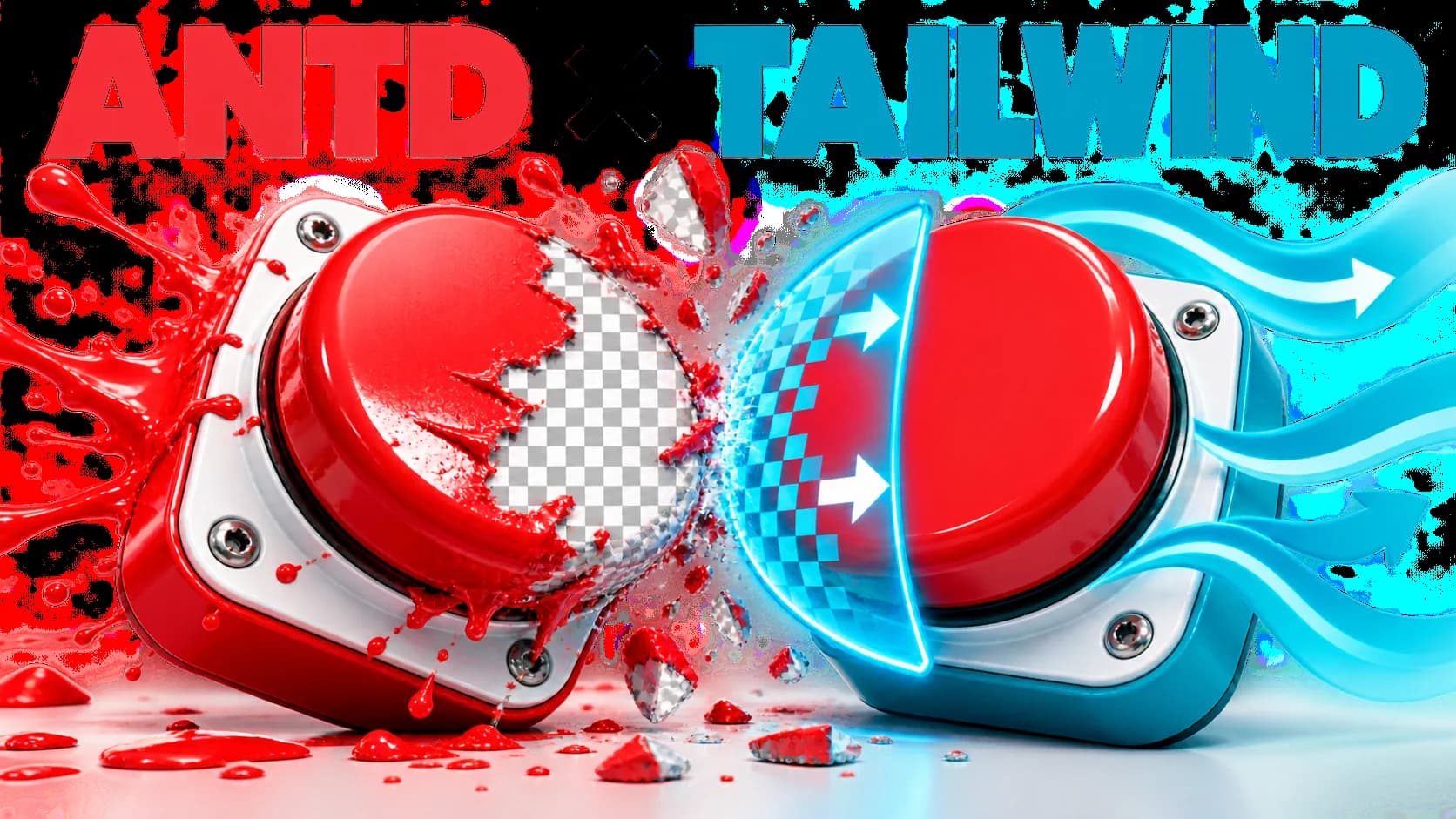
antdesign 和 tailwind冲突
antdesign 和 tailwind冲突的解决方案
引用文章
tailwindcss 默认的button按钮样式导致其他ui库,如antd、element等透明失效问题的终极探讨 - alpiny - 博客园 (cnblogs.com)
根本原因是tailwind base 覆盖了antd的配置
button,
input:where([type='button']),
input:where([type='reset']),
input:where([type='submit']) {
  -webkit-appearance: button; /* 1 */
  background-color: transparent; /* 2 */
  background-image: none; /* 2 */
}
background-color: transparent; 这一句覆盖了antd的默认背景色
最好的修改方法目前就是文章中的方法,创建一个
postcss-tailwind-fixes.js 文件
const plugin = (options) => {
  options = options || {}
  return {
      postcssPlugin: "postcss-antd-fixes-vue",
      Once: (root) => {
          root.walkRules((rule) => {
              if (rule.selector === `button,\n[type='button'],\n[type='reset'],\n[type='submit']`) {
                  rule.selector = `button,\ninput:where([type='button']),\ninput:where([type='reset']),\ninput:where([type='submit'])`
              }
          });
      }
  }
}


plugin.postcss = true;

module.exports = plugin;
然后在postcss.config.js文件中加入该插件
module.exports = {
  plugins: {
    tailwindcss: {},
    autoprefixer: {},
    './postcss-tailwind-fixes.js': {},
  },
}
评论 (0)